

Main Content
Thanks to a partnership between UW-IT and University Marketing & Communications, all UW students, staff and faculty now have access to the Canva design platform at no cost to you or your units.
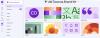
Canva’s online design tools allow you to easily create UW Tacoma-branded communications — think social media posts, presentations, posters, videos — and we’ll provide you with all the resources to get started. We've built a UW Tacoma Brand Kit in Canva that provides fonts, colors, photos, templates and more for you to use.
Happy collaborating!
- Log in and access issues? Contact UW-IT Help
- Canva usage and feature questions? Contact Canva Help Center
- Tacoma Brand Kit questions? Contact uwtmktg@uw.edu.
Zoom/Teams Backgrounds
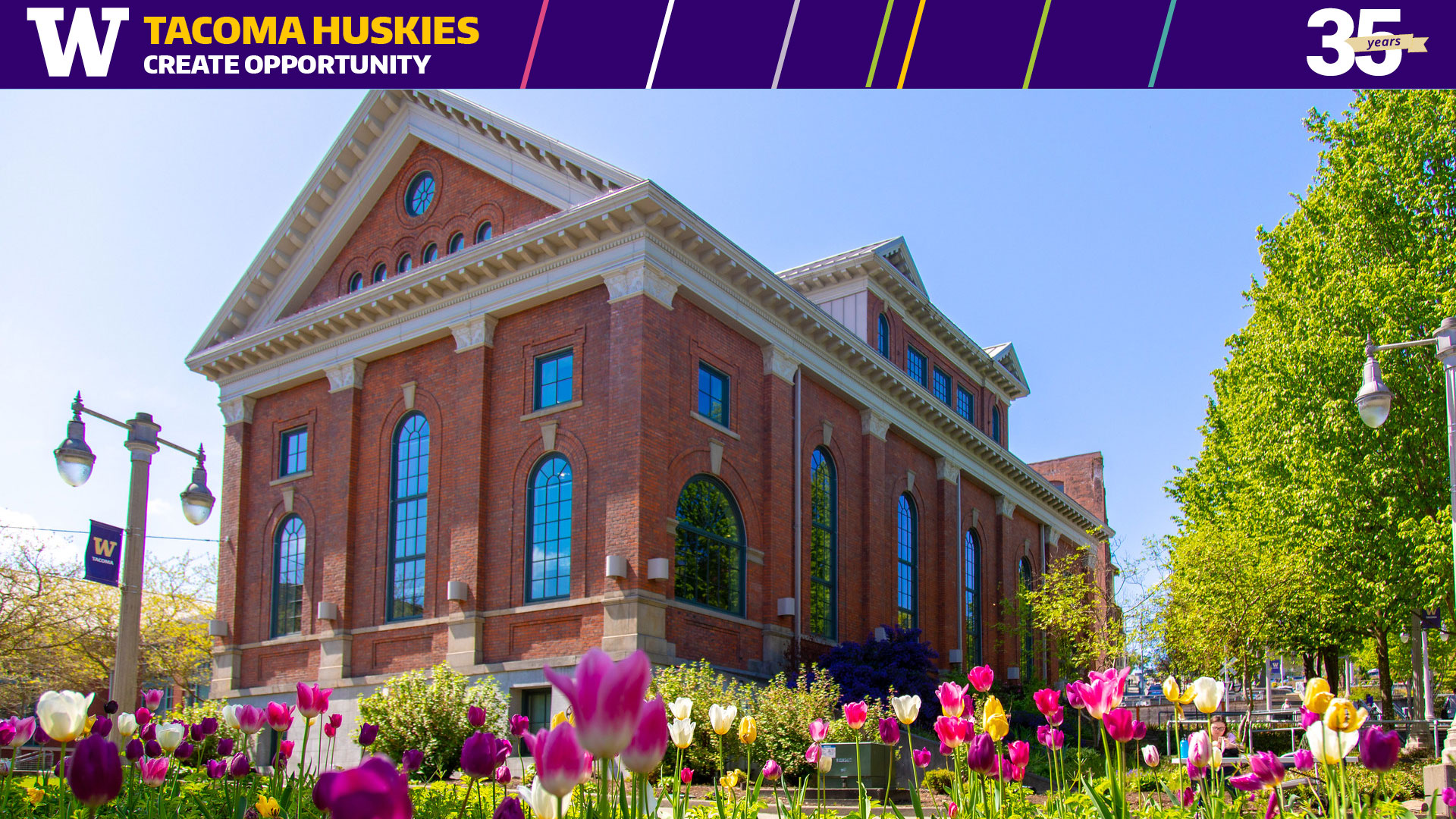
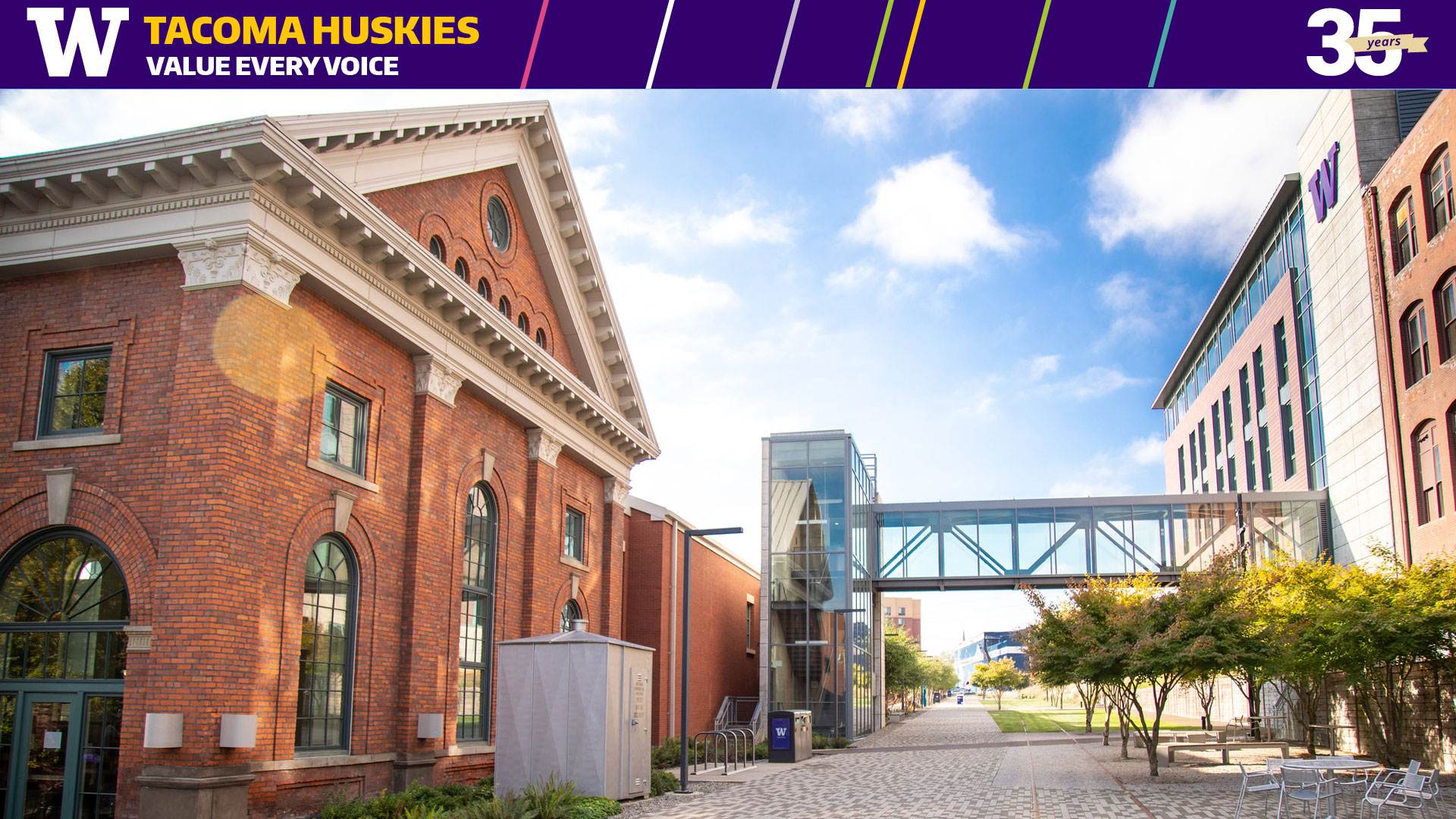
We have themed backgrounds with the Brand Attributes and the 35th Anniversary mark available for you to use in virtual meetings. You can download them here:
Microsoft Templates
You can download Word and PowerPoint templates from the Advancement Toolkit (NetID Login required). We are in the process of refreshing these templates.
Creating a Canva Account
To use the UW Tacoma Brand Kit, you must set up your account through UWT-IT or have them transfer your existing account.